
A share link is a decision about who can reach a file and for how long. Most of the time the answer is "anyone with the link, indefinitely," and a plain link is right. Sometimes it isn't, and that's what passwords, expiry dates and download limits are for.
The plain link
A plain link is the default for a reason. You create it, you send it, people open it. Nothing to set up on your side, no password to lose, nothing to expire before they get around to looking.
Use it when:
- The file isn't sensitive. A video you'd post publicly anyway, a flyer, a sample.
- You don't know who'll end up with it, and that's fine. A link in a group chat gets forwarded. A plain link assumes that.
- You want zero friction. Every control you add is one more reason someone gives up before opening.
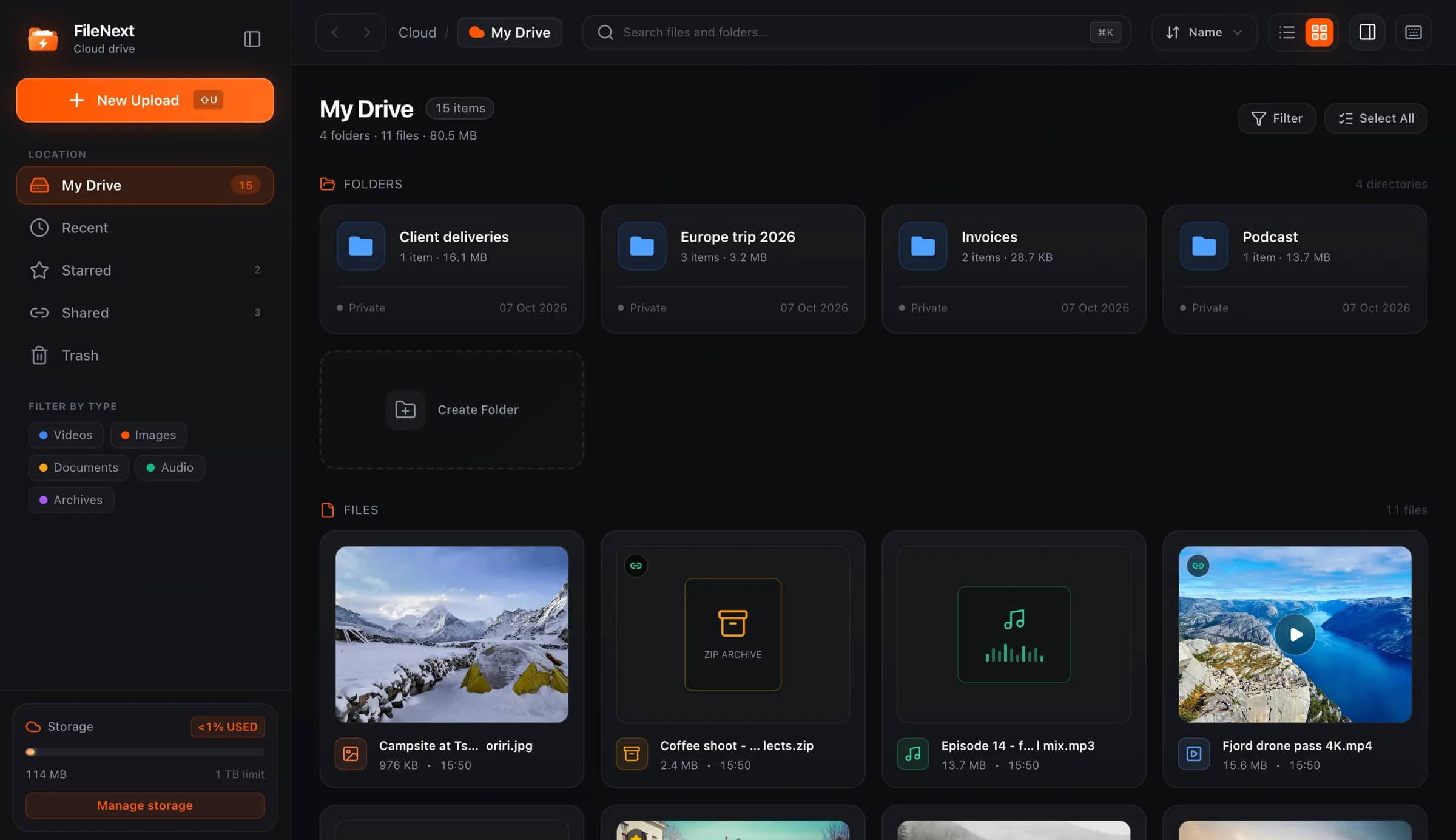
On FileNext, files are private until you create a link, so even a plain link is a choice: this file gets out, not the folder around it and not your drive.
One thing to remember with folder links: a folder link exposes everything inside it, including anything you drop in later. Share a folder when you mean "this whole set." Share a file when you mean "this one thing."
Add a password when the link will travel
A password separates the link from the permission to open it. The link can be forwarded, screenshotted, pasted into a channel, and it still doesn't open without the second thing you sent separately.
The classic case is client delivery. You've finished a video edit and you send the link by email. The client forwards it to three colleagues. Fine. If it gets forwarded again, to someone outside the company, the password is the line. Send the link in the email and the password in a message, or tell them on a call. Two channels, one lock.
Other situations where a password makes sense:
- A draft you'd be embarrassed to see in public. Review cuts, unfinished work, anything with a watermark that says "not final."
- A file for a small group that you post somewhere larger. A link in a class group of forty where only the twelve who signed up for the extra materials should open it.
Don't bother with a password if you'd paste it right next to the link. That's a plain link with an extra step.
Set an expiry date when the file has a shelf life
An expiry date is for links that should stop working on their own, without you remembering to come back and turn them off.
A class is the obvious one. You share the recording of Tuesday's session. Students who attended should get it this week. Set the link to expire in seven or fourteen days and you don't end up with a semester of old recordings still live in a group chat, or someone two years later finding a link that still works.
Other good fits:
- An offer or event file that's wrong after a certain date. The schedule for this weekend. The menu that changes on the first.
- A review window. "Comments by Friday" means the link stops on Saturday. People who missed it ask you, which is better than them commenting on something you've already changed.
- A handover where you don't want to be the one who forgot to close it.
When unsure, set expiry a bit longer than you think you need. A link that dies a day early makes you redo the whole thing; one that lives a day longer is usually harmless.
Use a download limit for a one-time handover
A download limit caps how many times a file can be downloaded through the link. It's the narrowest of the three controls.
It's built for the one-time handover: a signed document, an original-quality master, a set of files for one person who should grab them and go. Set the limit to one, or to the number of people you're sending to. After that, the link still exists but nobody else can pull the file down.
It's also useful when:
- You're sending large originals and you don't want the link to turn into a permanent mirror. Whoever you meant to have it, has it. Done.
- A link is going to a small, known group and you want to notice if it leaks. If you set the limit to five and it hits five before everyone you sent it to has opened it, somebody shared it.
Download limits apply to downloads. They're not the right tool for controlling who can view a video, because viewing isn't a download. Use a password or expiry for that.
Combine them, but not all of them
The controls stack. A password plus an expiry is a strong combination for client work: the link can only be opened with the password, and it stops working on its own after the project closes. A download limit plus an expiry is a clean handover: pick it up once, before Friday.
You rarely need all three. If you're putting a password, a one-week expiry and a download limit of one on a file, ask whether a link is the right way to send it at all. Sometimes you just want to attach it to a message to one person.
On FileNext, password, expiry date and download limit are Premium features, along with per-link stats that show opens, plays and downloads for each link you've made. The stats are the part that makes the limits make sense: you can see a link hit its download cap, or see that nobody has opened the one you sent Tuesday. Details on /pricing. Creating plain links and turning them off is available on every account.
Turning a link off: what it undoes and what it doesn't
Every link you create can be turned off at any time, and when you do, it stops working for everyone at once. People who saved it get nothing when they come back. The file is still in your drive, untouched; only the door closed.
This is the control you should actually reach for when something goes wrong. You sent the wrong file. You shared a folder and realized it had something in it you didn't mean to include. A link got posted somewhere it shouldn't have. Turn it off first, then sort out what to send instead. You can always make a new link.
What it can't undo: copies that already left. If someone downloaded the file while the link was live, they have it, and turning the link off doesn't reach into their downloads folder. Same for anyone who recorded their screen. A link controls access going forward, never what was already taken.
The same goes for every control on this page. A password keeps the wrong people from opening the link. Expiry and download limits keep it from staying open longer or wider than you meant. Turning it off ends access now. None of them recall what already went out, which is why the decision happens before you send, not after.
If a file of yours has been shared by someone else without your permission, the Report button on every share page is the right route. The /copyright page walks through what to include in a notice, and /report explains how the review works.
Quick picks
- Public-ish file, don't care who sees it: plain link.
- Client work, link will be forwarded: password, sent through a different channel.
- Class recording, should be gone in two weeks: expiry date.
- One person, one pickup: download limit of one.
- Something went wrong: turn the link off, then make a new one.