
Your client asked for the final cut. You send a link. They tap it on their phone, and the first thing they see is "Create an account to download." Some of them will do it. The rest will email back asking if you can "just WhatsApp it," and now your 2 GB export is going through a chat app that compresses it, or through a transfer service that expires a week before the client gets around to opening it.
The fix is a delivery routine that never asks the client to do anything except open a link.
What the sign-up wall actually costs
A client who has to register doesn't lose two minutes. They lose the moment. Delivery emails get opened between meetings, and if the link doesn't hand over the file right there, the tab gets closed and the job sits in "waiting on client" for another week. Then you follow up, which makes it look like you're chasing, when you delivered on time.
The second cost is quieter. Every account your client creates to receive your work is one more password they'll forget. When the next project comes up, they remember the hassle, not the work.
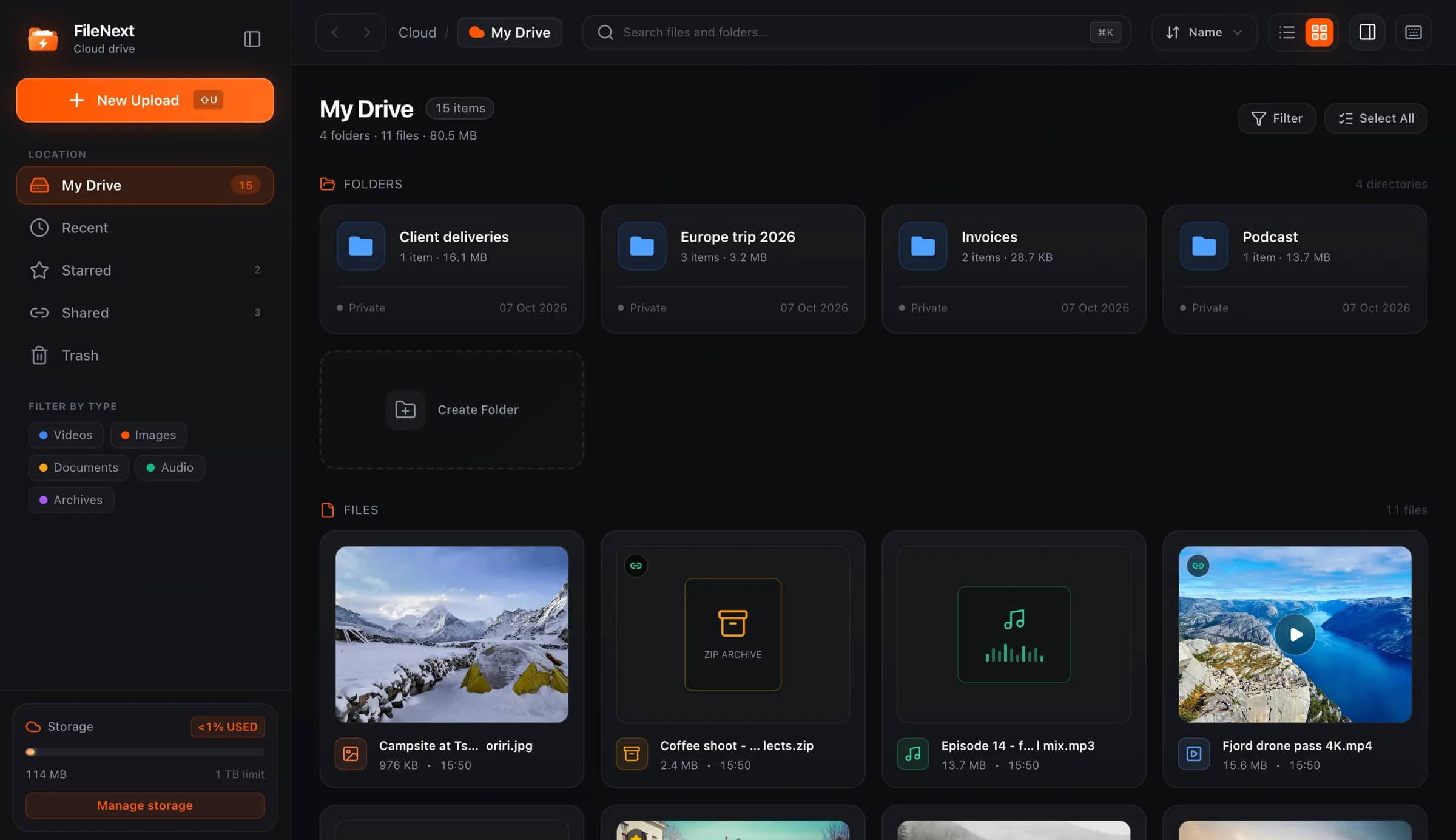
On FileNext, people who open your link don't need an account. You need one to upload and manage files. They just need the link.
The routine
This version works for a one-person studio and still works at five people. Four parts.
One folder per client
Make a top-level folder for each client and keep everything for that client inside it. Not "Projects 2026" with client names buried three levels down. Client name at the top. Inside, one folder per job: "Spring campaign," "Website photos," "Podcast ep 12."
This sounds obvious until you've done it the other way for a year and can't find the lower-third graphics you made in March. If the project already lives in a folder on your desktop, drag the whole folder in and the structure comes with it.
Search and the type filters (videos, photos, documents) cover the "where did that go" moments, but good folders mean you rarely need them.
One link per delivery
Every delivery gets its own link, and that link points at a folder, not a loose file. A folder link exposes everything inside it, which is what you want here: the 4K master, the 1080p web version, the square cut for social, the caption file. One link, everything in one place, nothing to re-send when they ask "did you also do the vertical one?"
Don't reuse links across deliveries. If the February link also points at the March files, you can't close February without closing March. Separate links mean you can turn one off without touching the others.
Name the folder the way the client thinks about it. "Final delivery, 12 Oct" beats "export_v3_FINAL_final."
If you're on Premium, you can also put a password on the link, set an expiry date, or cap the number of downloads. For most client work a plain link you turn off later is enough. The password matters when the file shouldn't be forwarded.
A cover so they know what it is
When a client opens a folder of six files on their phone, the names are what they see first, and "C0042_graded_v2.mp4" tells them nothing. Videos get an automatic cover from a frame, which helps. For the main deliverable, set a custom one: a clean still, or a title card with the project name and date. Right-click the file, choose Change cover, and upload a JPEG or PNG up to 10 MB.
It takes thirty seconds, and it's the difference between "which one is the final?" and the client pressing play.
Turn the link off when the job closes
Once the invoice is settled and the client has confirmed they have everything, turn the link off. It stops working for everyone at the same moment. Anything they've already saved, they keep.
Links get forwarded. Six months from now that folder link is in a chat thread at the client's agency, and someone who was never your client is poking around your masters. Closing links when jobs close means your active links are a short list you actually know.
Keep the folder itself. Your files are private until you make a link, so turning the link off doesn't delete anything, and you'll have it when they come back with "can you re-send the logo animation from last year?"
Revisions without link sprawl
Revisions are where the clean system falls apart. V1 goes out, feedback comes back, V2 goes out, then V2b, and now there are four links in four emails and the client is reviewing the wrong one.
Two rules keep it tidy.
First, revisions go into the same delivery folder, and the link doesn't change. Upload "Edit v2.mp4" into the folder, then move v1 into a "previous" subfolder inside it. The client reopens the link they already have and sees only the current cut at the top level, with older versions still there if they want to compare. You sent one link for this job and it's still the one.
Second, put the file name in the message, not just the link. "V2 is up at the same link, file is Edit v2.mp4, changes at 0:42 and 2:10." The client knows what to look for, and if they open the folder a week later they still know which file is live.
When the revision is approved, deal with the "previous" subfolder. Trash counts against your storage until you empty it, so if you've been keeping every intermediate export for a year, that's where the space went.
When they need to send something to you
Sometimes the client has to get files to you: raw footage, the brand kit, a 3 GB screen recording. Don't make them register either. Ask them to send it through whatever they already use, and you file it in the client folder on your side. If they use Telegram, the FileNext bot takes videos, and a direct download link pasted into the bot uploads that file straight to your drive.
The short version
Client folder, job folder inside it. One link per delivery, pointing at the folder. A real cover on the main file. Revisions into the same folder, old versions tucked away. Link off when the job closes.
Set it up once, and the next time a client says "just send me the link," you already have one.