
A minute of 4K video from a recent phone is roughly 300 to 400 MB at typical bitrates. That one number explains most storage problems people have, so hold onto it. Ten minutes is a few gigabytes. An hour is somewhere around 20 GB. A phone that felt roomy in January is full by the summer holidays.
Rough sizes by resolution
Treat these as ballpark figures. Every phone, app and setting changes them, and the only exact answer is the size you see when you open a file's details.
4K at 30 frames per second: roughly 300 to 400 MB per minute. At 60 frames per second, more, because there are twice as many frames to encode.
1080p: far less. The frame has a quarter of the pixels of a 4K frame, and phones give it a much lower bitrate, so a minute of 1080p is a small fraction of a minute of 4K.
720p and below: smaller again. This is the range messaging apps squeeze video down to when you send it "as video," which is why a clip that was huge on your phone arrives much smaller on the other end and looks soft on a big screen. Sending "as file" skips that compression.
Photos barely register next to any of this. A phone photo is a few megabytes. You'd need a hundred or so of them to match one minute of 4K.
Bitrate matters more than resolution
Resolution is how many pixels are in each frame. Bitrate is how much data per second the encoder is allowed to spend describing those frames. File size comes from bitrate and length and nothing else: megabits per second, times seconds, divided by eight, is the size in megabytes.
Resolution only affects size indirectly, by changing how much bitrate the phone decides to use. Two 4K clips of the same length can be very different sizes. A static shot of a wall compresses well. A handheld walk through a crowded market, with every pixel changing every frame, needs far more data to look clean, and the encoder spends it.
The codec matters too. HEVC (H.265) files are smaller than H.264 files at the same quality, which is why some phones offer a "high efficiency" recording option. The trade is that HEVC is less universally supported, so you may meet a player or an older laptop that won't open the file.
Three things follow from this:
- A 4K clip isn't automatically better. A 1080p clip at a healthy bitrate often looks cleaner than a 4K clip squeezed through a low one.
- Lowering resolution is the blunt tool. Where your camera app exposes a bitrate or quality setting, that's the precise one.
- You can't guess a file's size from its resolution. Check the file.
How a year of clips adds up
Nobody records an hour at a time. The space goes in thirty-second pieces: the dog, the kid's goal, the view from the train, a clip for a friend. Say that averages five minutes of 4K a day. At roughly 300 to 400 MB a minute, that's between 1.5 and 2 GB a day, and over a year, roughly 550 to 730 GB. Add photos, screen recordings and the videos other people send you, and a year of ordinary phone use lands in the high hundreds of gigabytes.
Switch to 1080p for everyday clips and the same year is a fraction of that. Keep 4K for the things you might want to crop or re-edit later: the performance, the wedding, the footage for a channel.
The setting is in your camera app under video resolution. Most phones remember the last choice, so it's worth checking now and then. People switch to 4K for one event and leave it there for two years.
What 1 TB actually holds
1 TB is 1,000 GB. With the rough figures above, that is:
- Roughly 40 to 55 hours of 4K phone video, if that's all you store.
- Several times that in 1080p.
- A couple of hundred thousand phone photos at a few megabytes each.
- In practice, a mix of all of it, which is what real libraries are.
For most people that's years of a phone library, not months. The catch is that video dominates the mix. The hours of 4K you keep decide when you run out, and the photos and documents are a rounding error. So when a drive fills up, look at the longest 4K clips first, not the oldest folder.
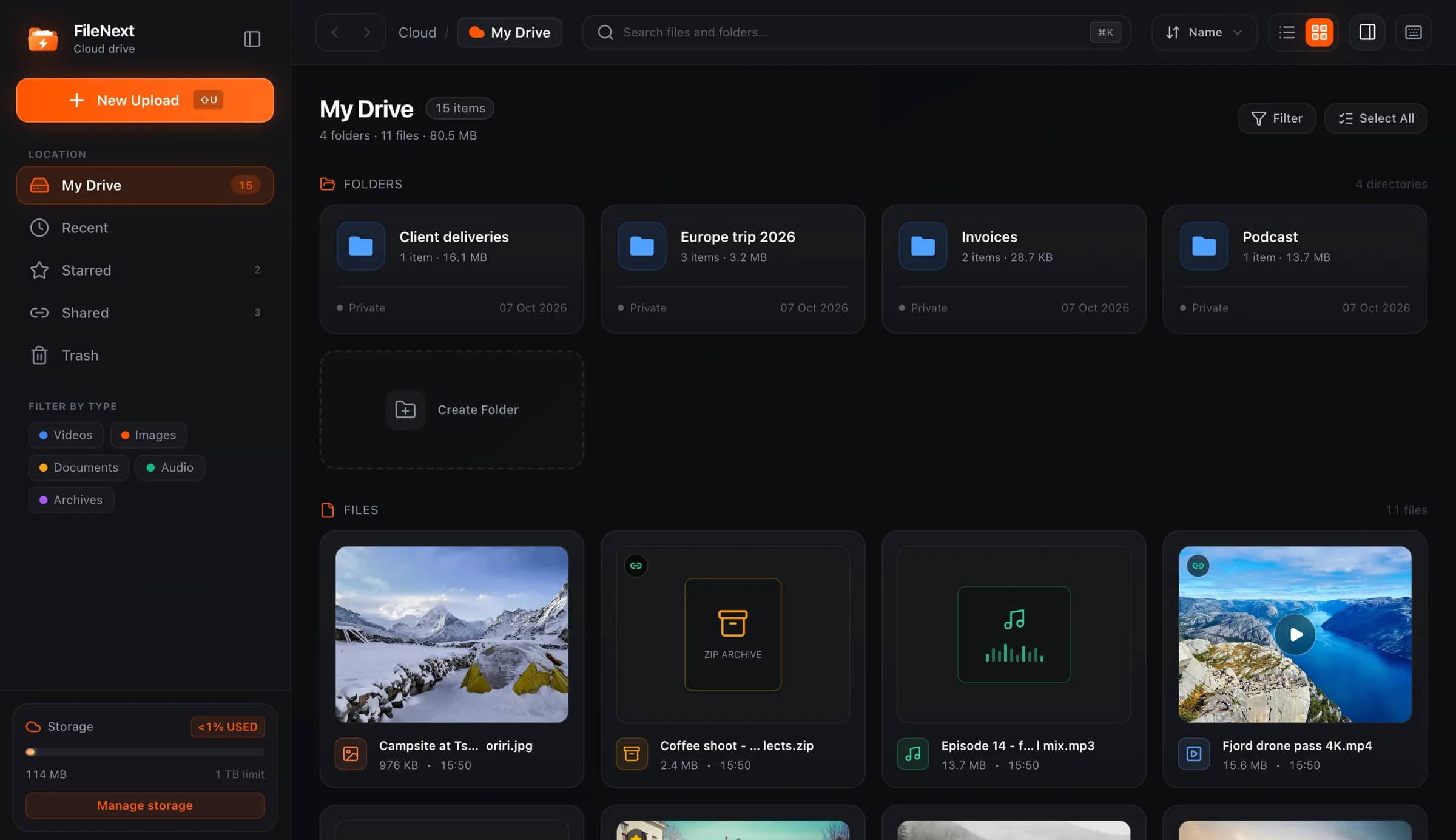
Every FileNext account gets 1 TB free, and there's no limit on the size of a single file, so a two-hour 4K recording goes up as one file. Only the total counts. The Storage page splits your total by type, so you can see whether video is the problem before you touch anything, and filtering the drive by Videos and sorting by size puts the clips worth a decision at the top. If you back up a phone with the Android app, you choose what gets backed up.
When 5 TB makes sense
Premium raises the limit to 5 TB. The question is whether your library is the kind that gets there.
Signs that it is:
- You record in 4K as a rule, not for special occasions.
- You keep both the originals and the edited exports of every project.
- More than one phone or camera backs up into the same account.
- You run a channel and keep the source file for everything you've posted.
- You sync a Mac folder of project files that already runs to hundreds of gigabytes.
Signs that it isn't: the library is mostly photos, documents and 1080p clips. At those sizes 1 TB lasts a long time, and a short cleanup every few months does more than extra space would. Emptying Trash matters in that cleanup, because trashed files still count until you empty it.
Premium also adds things that have nothing to do with storage: passwords, expiry dates and download limits on share links, per-link stats, HD streaming on shared videos and original-quality downloads for viewers. If you want those, the storage comes with them. The pricing page has the full comparison.
A rule of thumb to keep
Record at the quality you'll want later, not the highest the phone offers. Check the resolution setting once a month. Keep the originals somewhere other than the phone. And when you want to know how much space something takes, open its details and read the number. It beats every estimate, including these.